
Calhoun County Court Calendars Explained
Calhoun County publishes its district schedules in two layers. The District Clerk posts an annual calendar arranged by judge, month, and setting. A separate docket page holds current PDFs for AG, civil jury, civil non-jury, criminal, and tax settings. Those files cover each category on its own. Think of the annual calendar as the frame. The category docket often gives a tighter, fresher list of court dates.
County Court at Law No. 1 takes its own path. It keeps a separate calendar for misdemeanor, civil, CPS, juvenile, probate, guardianship, jury, and non-jury matters. Each label points to a different kind of setting. A criminal arraignment is a first appearance, not a trial. A civil non-jury setting means no jury was requested. Municipal and justice court dates stay with the court that set them. So no single countywide calendar covers everything.
One caution applies to any calendar entry. A listing only tells you an event was scheduled. It does not show that anyone appeared. It does not show that the hearing happened. It does not show that the judge ruled. For those facts, pull the docket and the signed orders.
Calhoun Calendar and Docket Check
For a reliable date check, go straight to the live District Clerk docket page instead of an old PDF saved on your phone. The filenames carry dates. The clerk swaps in new lists often. Open the category that fits your case. Note the court and the setting date, then hold it against the annual calendar. If the two disagree, call the clerk or the court coordinator before you plan around either one. Treat that call as the final word on the setting.
| Source | Best use | Limit |
|---|---|---|
| Annual district calendar | Judge, month, date, broad setting type | May not show case-level detail |
| District docket PDF | Current category and setting list | Link and content can be replaced |
| Odyssey Search Hearings | Date-range hearing query | Local filters require a rendered session |
| Signed order or direct notice | Case-specific instructions | Must be read in full |
Save the details when you keep a copy for reference. Write down the source URL, the PDF title, the court, the date you checked, and the type of setting. Later, that note tells you whether you are looking at an old schedule or the current Calhoun County court docket.
Finding Your Court Date
When a setting could affect an appearance or a deadline, use every channel you can. Online tools help, but gaps remain. The clerk, the courthouse counter, the posted docket, the statewide portal, and your attorney can each fill in what a search misses.
- Read the court, cause number, and setting type on the newest notice or signed order.
- Open the District Clerk calendar or docket category for a district case. Use the County Court at Law calendar for a CCL matter.
- Search the Calhoun Odyssey Portal by case number, or use Search Hearings with a suitable date range.
- Check re:SearchTX only as a supplement. Local coverage can vary.
- Call or visit the correct clerk. The District Clerk handles district settings, and the County Clerk or CCL office handles county-level matters.
- Check the current courthouse posting or docket call and ask the attorney of record about case-specific duties.
- Confirm date, time, room, judge, event type, and remote or in-person mode shortly before appearing.
Pick up the phone if the online docket leaves you unsure of a court date. The District Clerk answers at 361-553-4630, County Court at Law No. 1 at 361-553-4640, and the County Clerk at 361-553-4411. All three offices sit inside the same building at 211 S. Ann Street in Port Lavaca, each in its own room or suite.
Calhoun Court Calendar Labels
Calhoun County tags each court calendar entry with a label showing its purpose and its format. Read the whole label, not just the date.
- AG in-person
- An Attorney General docket that requires an in-person appearance under the setting instructions.
- AG Zoom
- An Attorney General setting marked for remote appearance; verify the current link and instructions.
- Civil jury
- A civil setting placed on a jury track.
- Civil non-jury
- A civil matter set for the judge without a jury.
- New grand jury
- A district calendar label tied to grand-jury scheduling, not a public trial setting.
- Special setting
- Time reserved outside the routine category schedule; contact the office for the case-specific process.
Labels for CPS matters, juvenile adjudication, criminal arraignment, trial settings, and docket call each carry their own meaning, and none of them tells the whole story on its own. Some case records behind those labels stay restricted even when the calendar date itself is open to anyone.
How to Read a Court Setting
A court setting only makes sense when you read all of its parts as one entry. Grab the date alone and you may land in the wrong courtroom. The setting line pairs a date with a court number and an event type. Each piece narrows the rest. One quirk worth knowing: Calhoun County sits in multicounty district courts. A setting may list a Victoria judicial address even though the local filing stays with the Calhoun District Clerk.
| Date | The scheduled calendar day. Check whether the source has since been replaced. |
|---|---|
| Time | The stated docket-call or individual time; arrival instructions may require an earlier check-in. |
| Courtroom | The assigned room and building. County Court at Law uses Courtroom B on the second floor. |
| Judge | The court or judicial officer assigned to that event, subject to later assignment. |
| Setting type | The purpose, such as arraignment, pretrial, jury, non-jury, AG, tax, or special setting. |
| Appearance mode | In person, Zoom, or another method stated in the current court instruction. |
A setting on the calendar is not a result. Hearings in Calhoun County get reset, passed, or cancelled all the time, and the docket rarely reports what happened in the courtroom.
Calhoun County Court at Law Dates
Calhoun County keeps its Court at Law No. 1 dates on the County Court at Law No. 1 page, which also links Odyssey and lists coordinator and courtroom details. That official page splits its date materials by label. Criminal, civil, CPS, juvenile, jury, and non-jury matters each get their own heading.
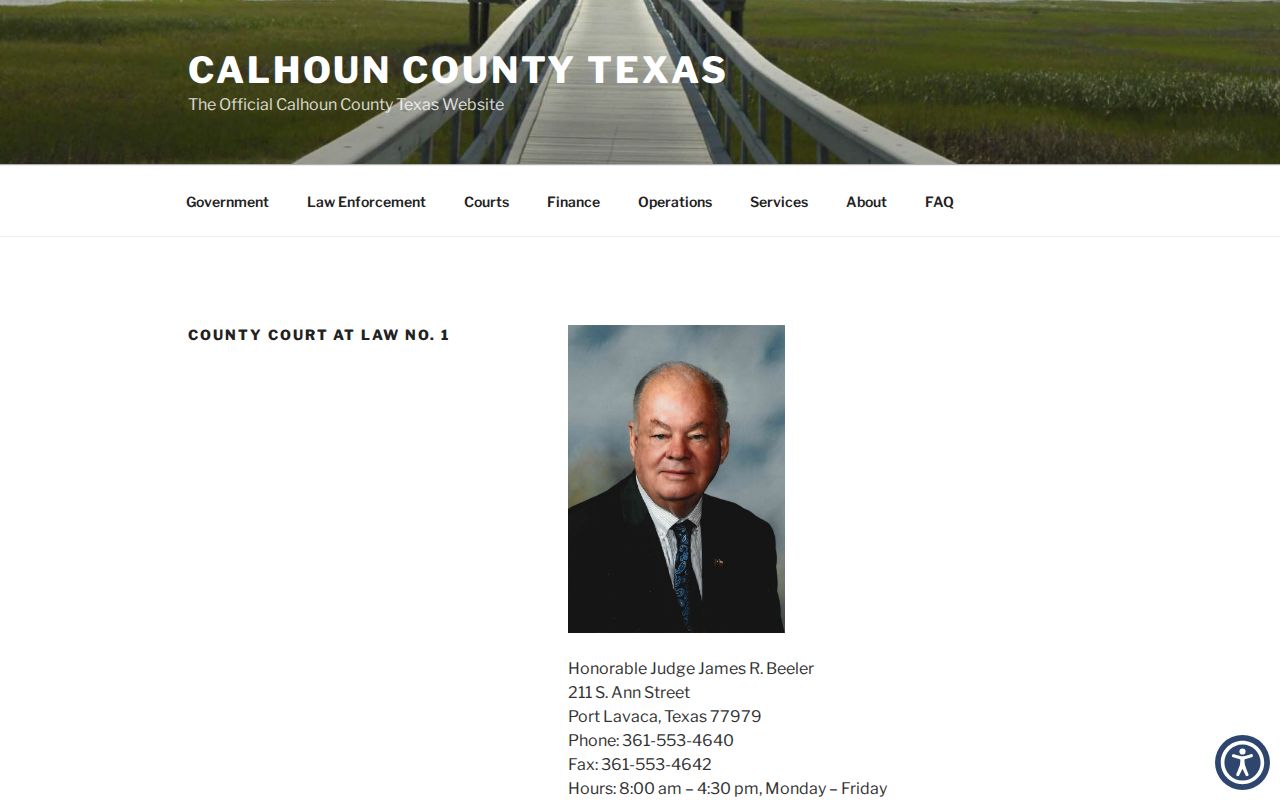
If a saved calendar link stops working, go back to the official page and pull a fresh one. Its office details give you the direct line to confirm any setting. One more rule matters here. The court's administrative order requires a proposed order to be e-filed at least 48 hours before a hearing. Filing that draft does not lock in the date. Only the judge's signed order controls.
Continuances, Resets, and Cancellations
Three terms do different work. A reset puts the case on a new date. A continuance is a court-approved delay that usually ends in a reset. A cancellation wipes the setting away. News of the change can surface in a signed order, an updated docket entry, a refreshed PDF, or a direct notice from the court.
A row that vanishes from the calendar does not mean the case was dismissed. The PDF may simply have been replaced. The matter may have shifted to another category, or access may have changed. Go back to the live source and search by cause number. If the calendar and the case register disagree, ask the coordinator or clerk. Ask which setting controls.
A party cannot get a continuance just by asking the clerk. Follow the court's procedure and any standing order. Let counsel advise on the right motion and appearance duty. Until the court changes it, the current order binds.
Calhoun Remote Hearing Check
Some rows on the Calhoun County district calendar spell out the setting: AG Zoom or AG in-person. Read the wording closely. A remote tag on one hearing says nothing about the rest of the docket. Confirm the exact event before you plan around it.
The county also keeps an older remote-access page. It gathers court search, hearing, video, and Zoom links in one spot. Those links can go stale. Treat the page as a starting point, then check the live instruction with the court itself. Your notice or signed order is what truly controls: it names the appearance method, the connection details, and any deadline that applies.
- Confirm whether video is authorized for this exact setting.
- Test the link and device before the listed start time.
- Use the name and display format required by the court.
- Keep the clerk or coordinator phone number available.
- Do not record or broadcast without express authorization.
If You Miss a Court Setting
Act at once. Call the court clerk and your attorney of record, give the cause number, and ask what the docket shows now. A missed setting does not reset itself, and what happens next depends on the case, the court, and the order in place, so never assume the court handled it for you.
Missed a setting? A missed criminal or citation date can lead to a failure-to-appear issue, warrant, bond action, or added court process.
Call the court or counsel immediately and obtain the current setting and instructions.
A licensed attorney can advise how to address the missed Calhoun County court date safely.
In a civil matter, skipping a setting can bring a default, a dismissal, an adverse order, or another step the law and the case posture allow. Get the signed order or docket entry. A verbal summary is not the record.
Prepare for Calhoun Court Dates
Call before you travel, especially for jury week or a special setting. The District Clerk asks prospective jurors to verify the panel on the Friday before service. Cancellation notices can change. When you call, ask about accommodations and the current check-in rule.
Courthouse and courtroom rules may bar phones, laptops, purses, bags, recording, or broadcasting. County Court at Law materials warn visitors about device and bag limits. Bring only permitted items, plus any identification the clerk or security staff requires. A public setting does not relax courtroom conduct rules.
Before the appearance, save the current order, the calendar source, the clerk number, the cause number, and the room. Check them again as the date nears. Need to match the date to the right record? Start with the Calhoun County case lookup. Then confirm with the office responsible for the hearing.